Current stock, its value, and what will run out next.
Inventory in Zeno+: Sunita's five store questions, answered in sixteen minutes · 2:10
Inventory brings every store onto a single screen, and onto the storekeeper's phone. It shows current stock at each location, its value at the purchase price, and how many days it will last at the current rate of consumption. Every receipt, issue and transfer is recorded against its bill or request, and Zeno+ AI recommends what to reorder before a site runs short.
PersonReceive goodsFrom an approved bill, in full or in part
02
RulesValue the stockLanded price, days of use left, low-stock rule
03
PersonRequest materialSite asks by property and needed date
04
PersonScan and issueScan the QR label; pickup code at handover
05
RulesRecord itEvery movement with its bill or request
06
AIExplain & suggestWhat to reorder and why; request recaps
AI explains and suggests. People move the stock.
AI never computes a number and never moves stock.
See it on real screens.
Order before site stops.
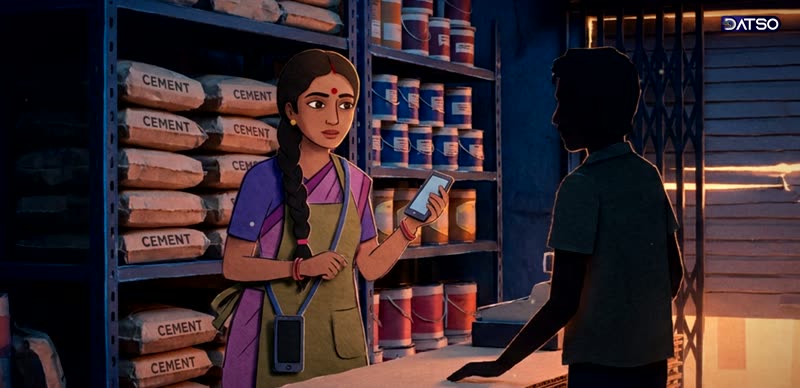
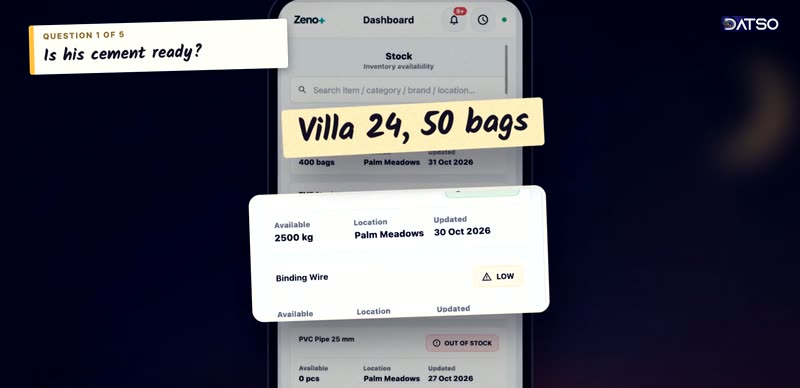
Sunita opens Stock on her phone and finds the site's request, 200 bags of OPC 53 for Villa A-05, needed tomorrow, with the store's stock beside it.
Without it: Stock known only by counting shelves.
1What's in the store
2Every request from site
3What's needed, and by when
Example 1 of 9
Stock value matches what you paid.
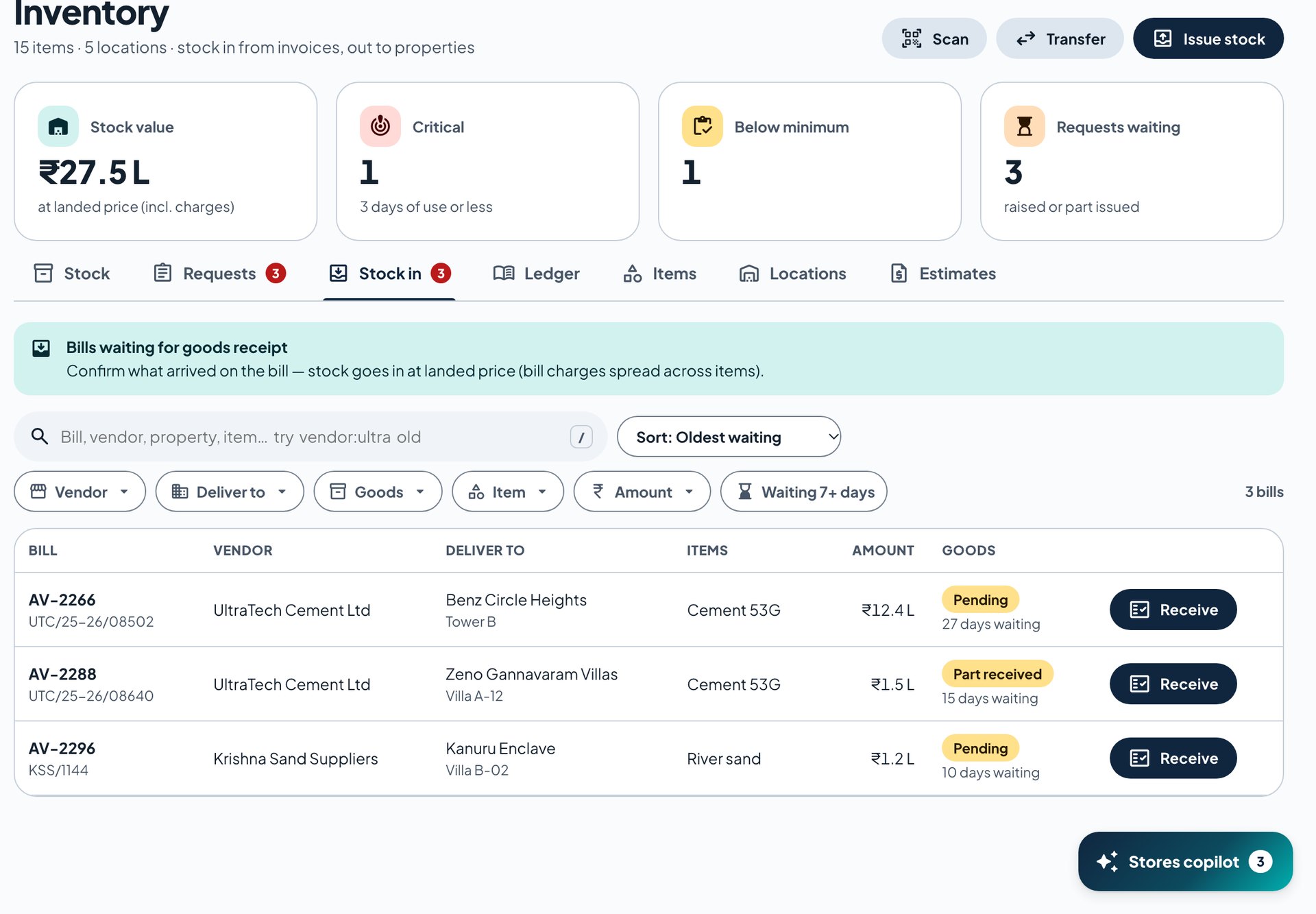
When a bill is approved, its items wait here to be received. Stores count what actually arrived and receive it in full or in part, so the stock is valued at the price you paid.
Without it: Goods written in a register, by hand.
12
1Bills waiting to be received
2Receive in full or in part
Example 2 of 9
Nothing waits unseen.
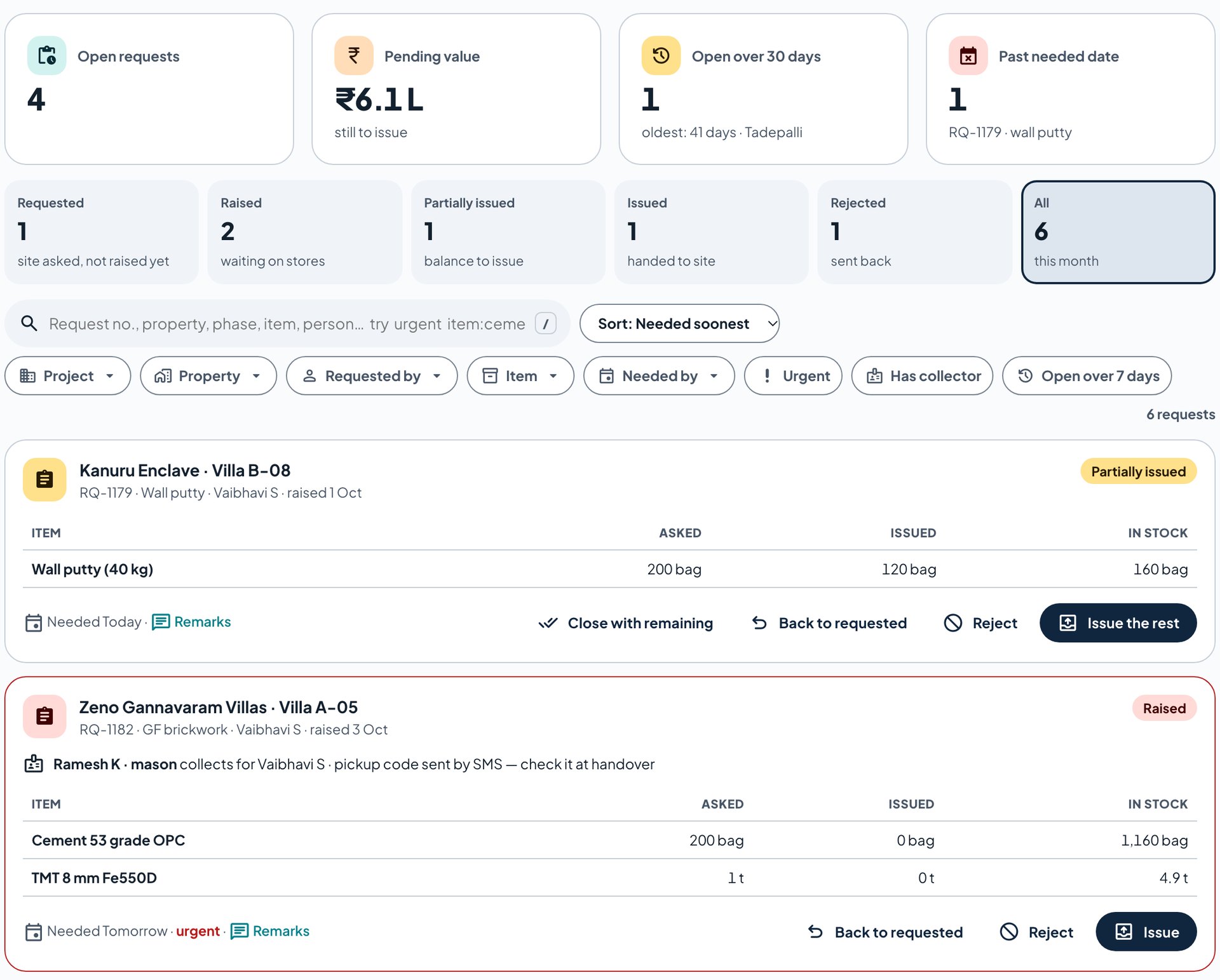
Requests from every property land in one list that runs from request to issue. Requests that have waited too long stand out, and each one names who will collect it.
Without it: Requests by phone and WhatsApp.
123
1One pipeline, request to issue
2Old requests stand out
3Names who will collect it
Example 3 of 9
Right stock, right person, in seconds.
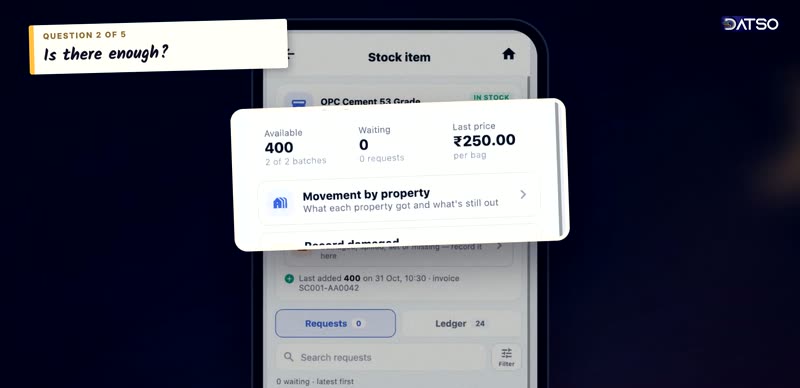
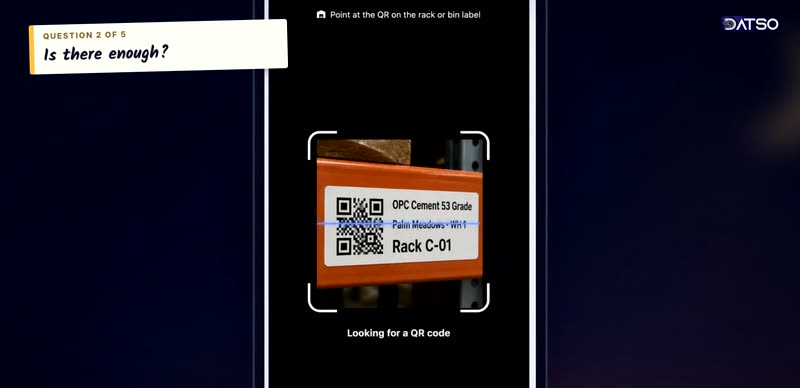
Sunita scans the QR label on the rack, and the requests waiting for that item open first. Three requests need 430 bags between them, and 620 are on the shelf, so there is enough for everyone.
Without it: Handed out from memory, to whoever comes.
1Scan the item's QR label
2Waiting requests open first, filled in
3Pickup code checked at handover
Example 4 of 9
The right person, confirmed.
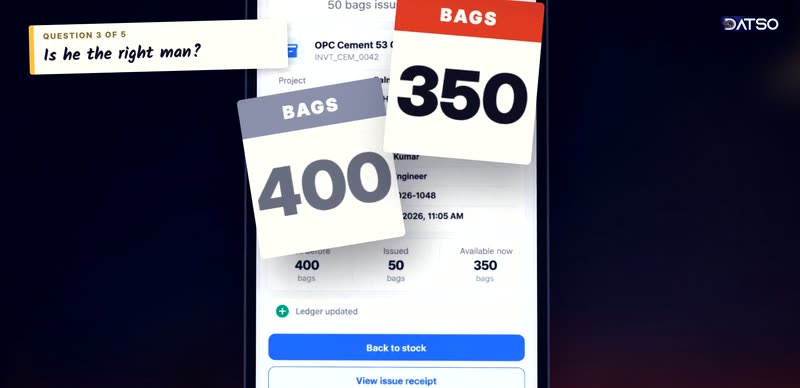
Venkat, the mason collecting for Villa A-05, reads out his pickup code. It matches the request, so 200 bags are issued in one tap, and the stock drops straight away.
Without it: Stock handed to whoever asks.
1Issue with a code
2The site engineer confirms
3Stock updates on the spot
Example 5 of 9
Know before site asks.
Manoj, the foreman at Riverside Villas, needs steel for Slab 4 on Monday. Sorted by what runs out first, 12 mm TMT steel is on top: 4.1 tonnes across three stores, below the 5-tonne minimum with 1 day left, and one click adds 15 tonnes to the order list.
Without it: A phone call to check the store.
1Stock on hand
2What's already on order
Example 6 of 9
Order on time, not in a panic.
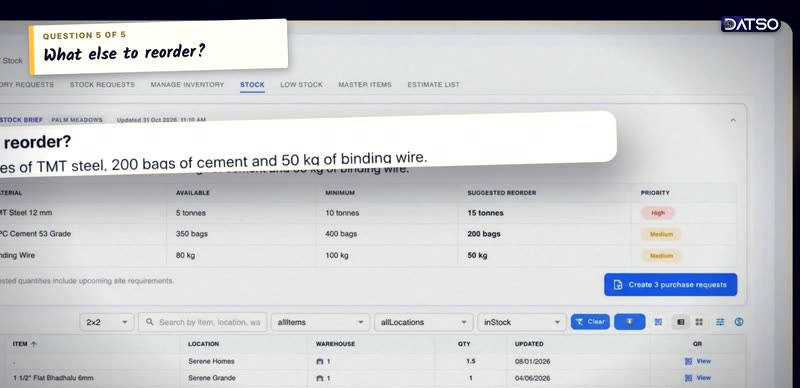
Across every site, the stores copilot lists what runs out soon: cement at Lotus Homes in 3 days, tiles at Green Acres and bricks at Palm Meadows. It suggests 1,200 bags, 40,000 bricks and 400 boxes. She raises three purchase requests; nothing is ordered until she says yes.
Without it: Ordered only once it's gone.
1AI says what to reorder, and why
2Nothing is ordered until you confirm
Example 7 of 9
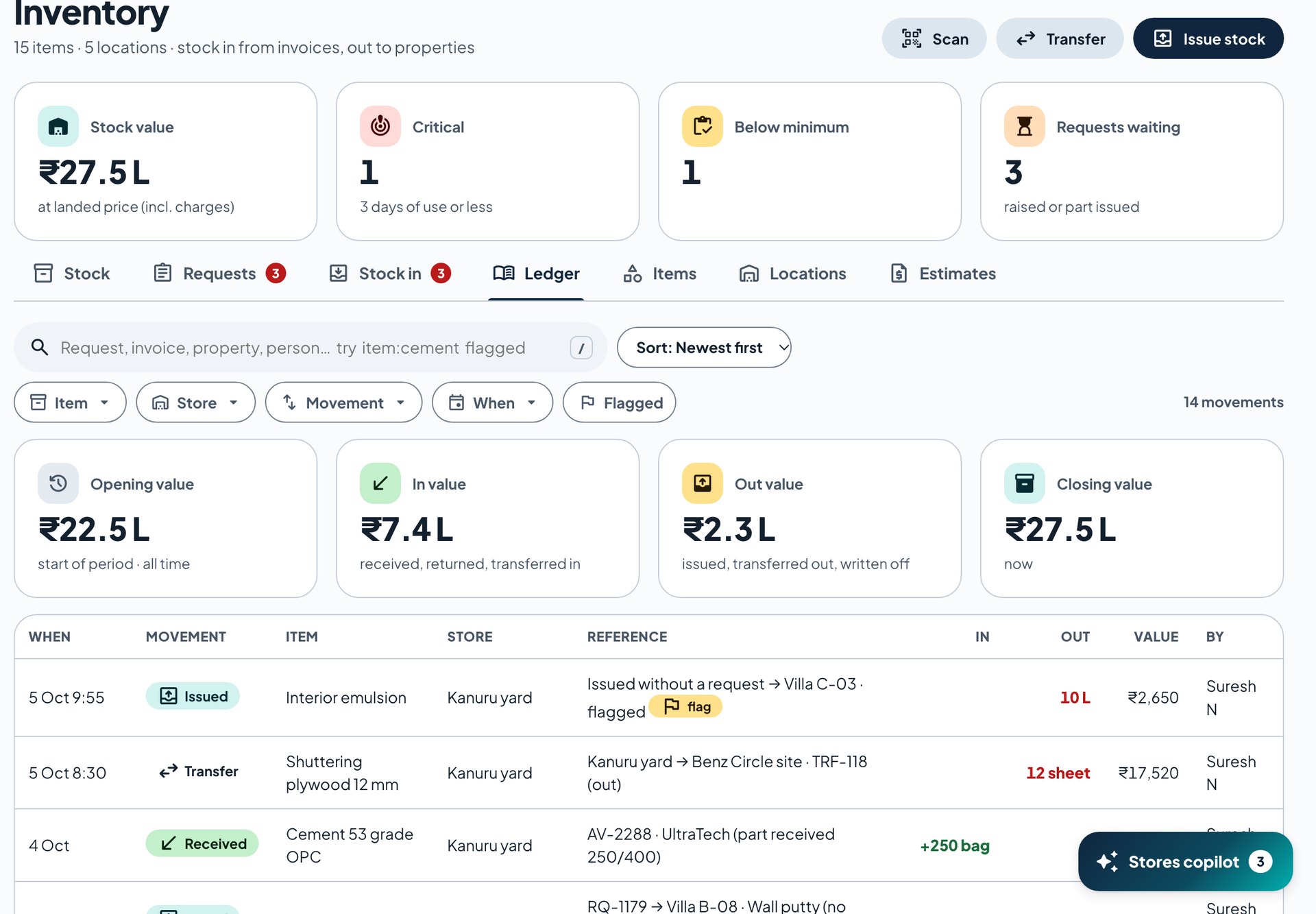
Any number traces to its source.
Every bag and tonne that moves is a row in one register, with what came in, what went out and the closing value. Each row links to the bill, request or transfer behind it.
Without it: Movements spread across notebooks and sheets.
12
1In, out and closing value
2Every row links to its bill or request
Example 8 of 9
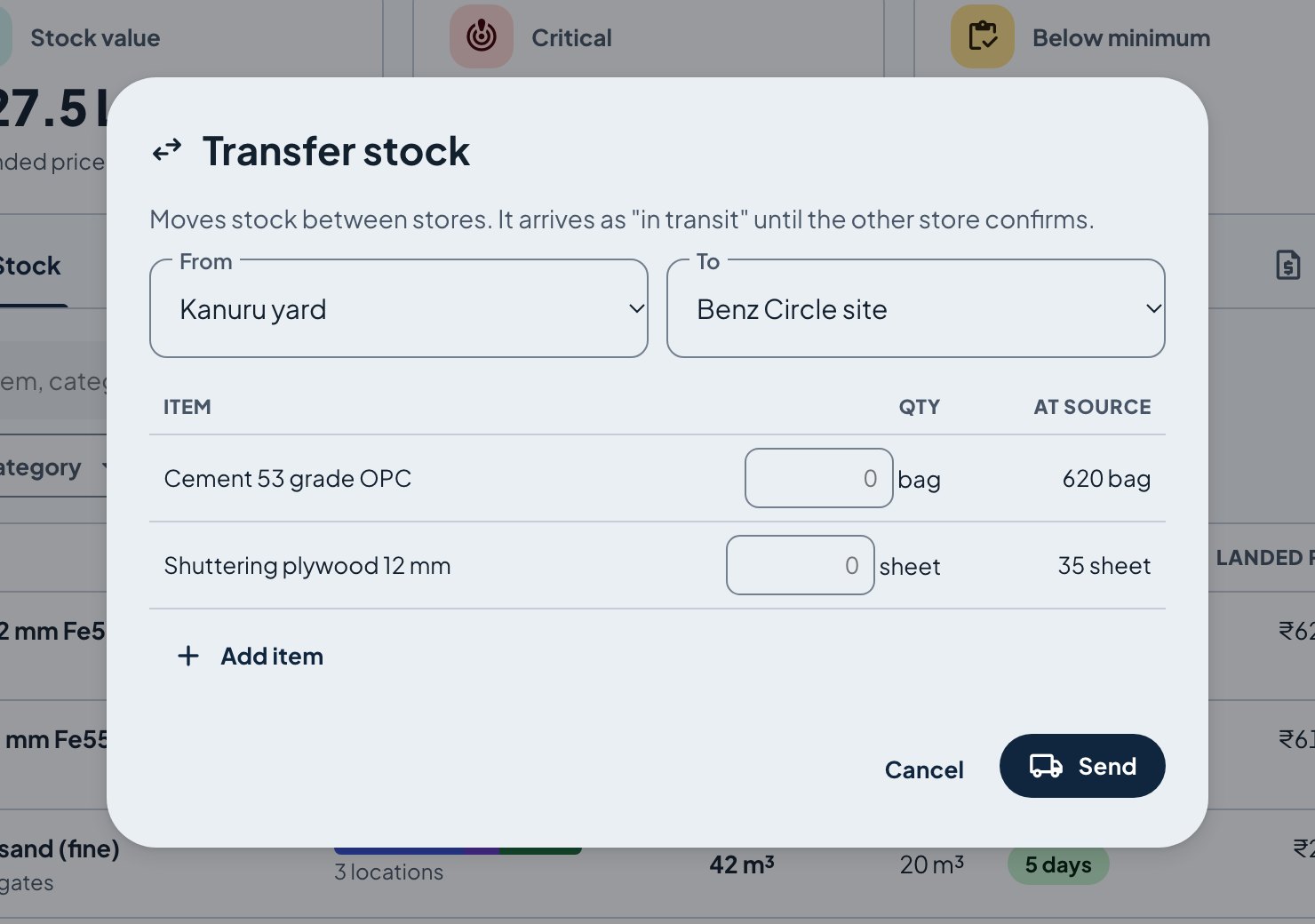
Nothing lost between stores.
Pick the two stores and the quantities to move. The stock stays in transit until the receiving store confirms it arrived, so nothing goes missing between stores.
Without it: Stock moved between stores, unrecorded.
12
1Pick the stores and quantities
2In transit until the other store confirms
Example 9 of 9
Before Zeno+
Stores run on phone calls.
Found out too lateSite calls when it's gone
Quantities, not moneyValue and losses unknown
Requests get lostChased by phone
Lost between storesMoved with no record
What changes
Stores you can see, and trust.
OwnersKnow what stores are worthAnd where every item went.
StoresOne list to work fromReceive, issue and reorder.
SiteAsk onceSee where the request is.
EveryoneEvery number traceableTo a bill, request or transfer.
A few practical questions.
Do we label every item?
Each item gets a QR label, printed from Zeno+. No label to hand? Stores can type the code instead.
How do we know what runs out next?
Zeno+ works out days left from average daily use, and sorts the stock by what runs out first.
Can we run several stores?
Yes. Each store has its own stock, and transfers stay in transit until the other store confirms.
Inventory
Name your three critical materials.
We'll show you their stock, days left and every movement this month.